Manage automatic and manually added components in one recipe, error-free and recorded
A recipe preparation system is an automation system that brings all components of a product together under one recipe, in the right order and quantity: main raw materials dosed automatically from silos and big bags, liquids from tanks, and small additives added by the operator. The operator sees on screen which component to add, how much and in what order; the next step cannot start until the scale confirms the correct quantity.
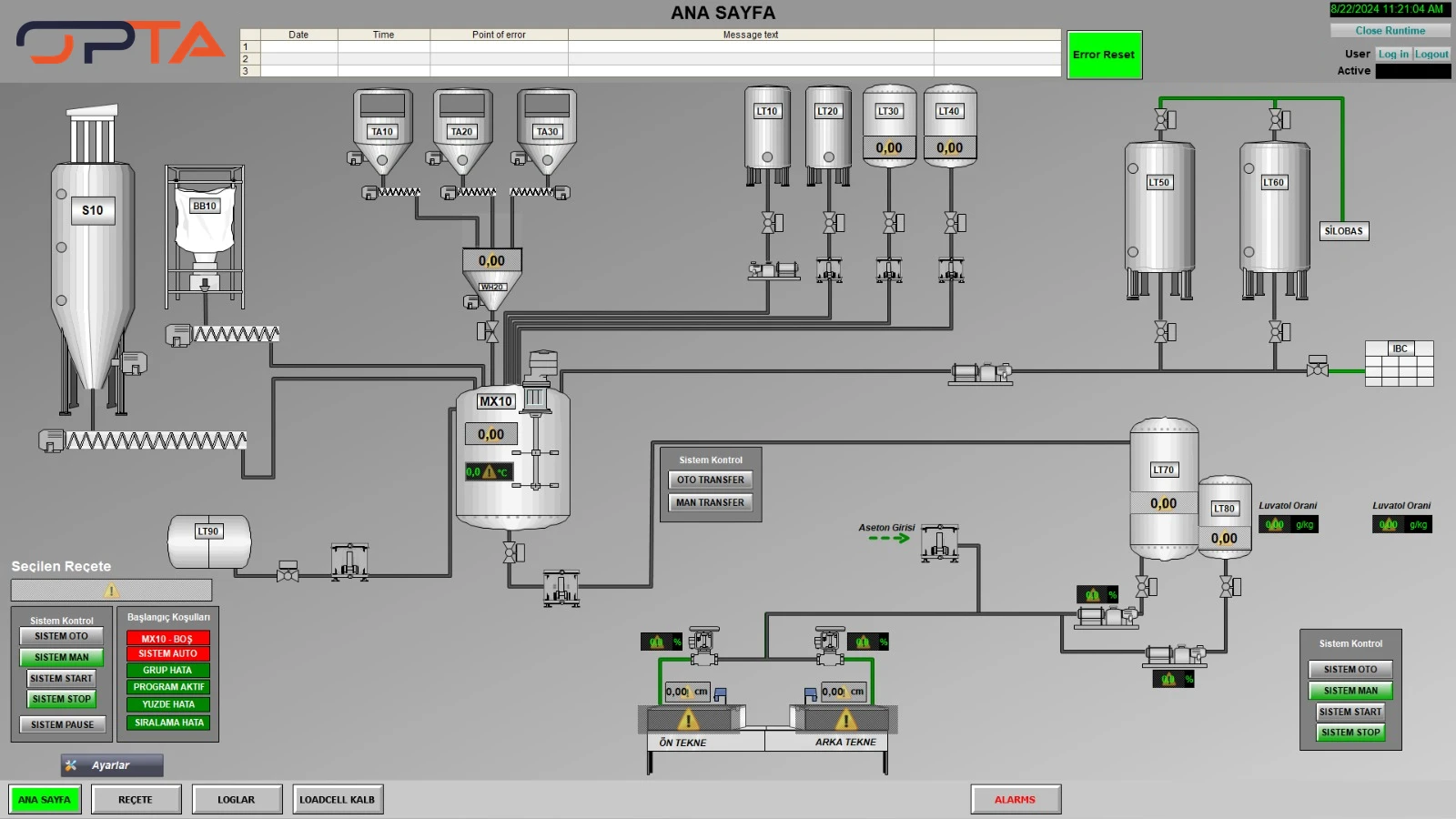
The SCADA screen shown is the main page of such a plant: silos, big bags and powder hoppers are connected to the weigh hopper by screws; liquid tanks to the mixer by pumps and valves. The live weight of each weigh hopper and tank, the mixer status, system start conditions and alarms are monitored on a single screen. Recipe, log and load cell calibration screens are part of the same software.
At OPTA Mühendislik we install recipe preparation systems turnkey together with mechanical equipment, electrical panels, PLC software and SCADA screens. Barcode raw material verification, batch labels and ERP integration prevent wrong raw materials and weighing errors, and give full traceability for every batch.
The operator or ERP opens the work order; product, recipe and number of batches are selected. The system checks stock and start conditions.
STEP 02
Automatic powder components
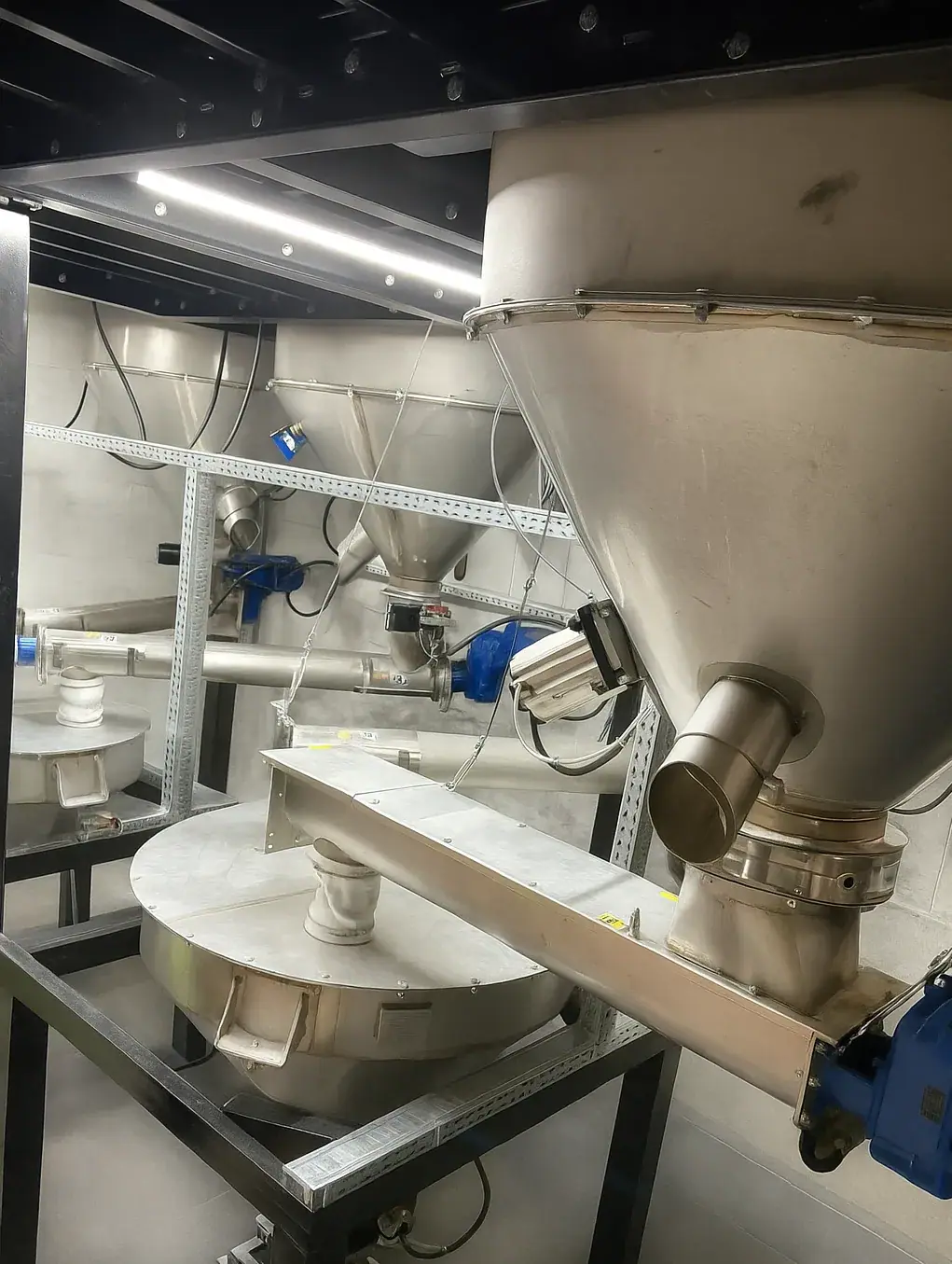
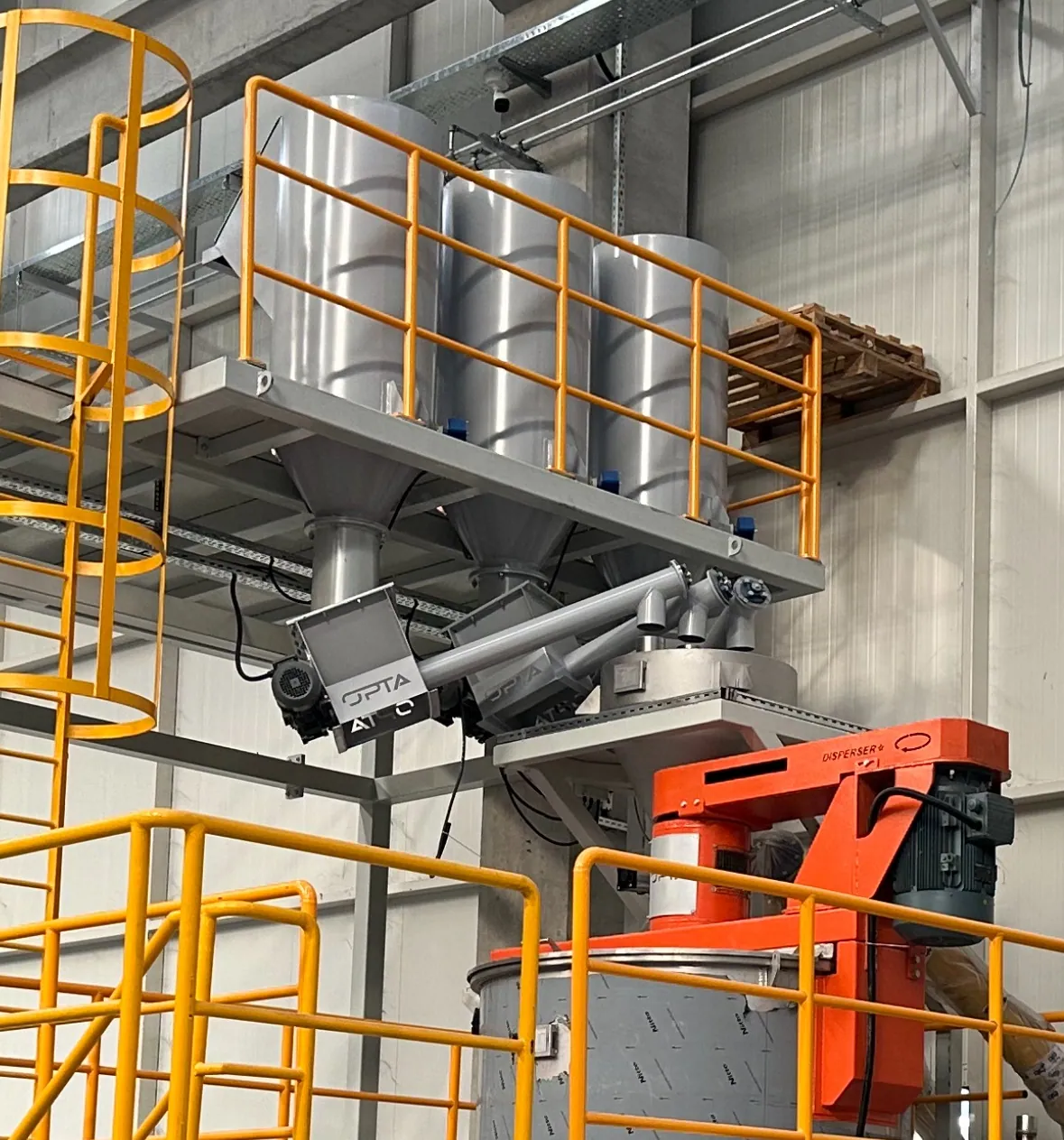
Silo, big bag and hopper components are taken into the weigh hopper by screw or vacuum with coarse / fine feeding.
STEP 03
Liquid components
Liquids in tanks are dosed by weight or flow meter, through a heated line if necessary.
STEP 04
Manually added additives
The operator is guided: they scan the barcode and weigh the additive on the scale. No confirmation is given outside tolerance.
STEP 05
Mixing
All components go into the mixer; time, speed and temperature are managed according to the recipe.
STEP 06
Record and label
The actual quantity, lot and operator for each component are recorded; a batch label is printed.
Operator and SCADA screens
The touch operator panel on the field cabinet lets the system be run in automatic or manual mode, started, stopped and reset after faults. Which component is on which line and the status of the weigh hoppers and mixer are shown on a process diagram.
Recipes are created and stored with their versions on the SCADA computer in the office; batch reports, consumption and alarm records can be traced back.
Automatic / manual operation
Start conditions and fault reporting
Recipe, log and calibration screens
User login with permission levels
Types of recipe preparation systems
01 / 03
Fully automatic recipe preparation
All main components are weighed automatically from silos, big bags and tanks. The operator only selects the recipe and monitors the process.
When is it preferred?
High batch counts, few product changes, continuous production.
Weigh hoppersScrew / vacuum feedingMixerSCADA
02 / 03
System with manual addition station
Main components are automatic; small additives are added manually by the operator. A barcode reader and scale verify that each additive is correct and added in the right quantity.
When is it preferred?
Many small additives, frequent product changes, phased investment.